
Top up your 578ph account using GCash, Maya, or Philippine bank transfer — all transactions in PHP with no currency conversion and no hidden fees. Your balance is ready in minutes.
578ph supports the most widely used payment channels in the Philippines. All methods process in Philippine Peso — no conversion needed.
Use your registered GCash account to fund your 578ph balance. One of the most popular e-wallets in the Philippines, available nationwide from Metro Manila to Mindanao.
Fast CreditingMaya (formerly PayMaya) is fully supported on 578ph. Fund your account directly from your Maya balance — a convenient option for players who bank digitally.
Fast CreditingTransfer PHP directly from your Philippine bank account. Most major local banks are supported. Ideal for players who prefer managing funds through traditional banking channels.
Widely SupportedUse your bank's online or mobile banking portal to transfer funds to 578ph. Works with most Philippine banks that offer digital banking services via their official apps.
Available NationwideTopping up your 578ph account takes just a few steps. Here is how the process works from start to finish.
If you have not registered yet, head to the Register page and complete the sign-up process. It takes just a few minutes — fill in your details, verify via OTP, and your account is ready. Existing players can skip straight to login.
Go to the Login page and sign in using your registered credentials. Make sure OTP verification is set up for your account — it adds a layer of security to all account access and transactions.
Once logged in, find the Deposit option in your account dashboard or via the navigation menu. The deposit section lists all available payment methods along with any current minimum or maximum deposit amounts.
Select GCash, Maya, bank transfer, or online banking — whichever is most convenient for you. Each method shows the steps and details needed to complete the transfer from your chosen channel to your 578ph account.
Type in the amount you want to deposit in Philippine Peso. Check the minimum deposit amount for your chosen method. All amounts are in PHP — there is no currency conversion and no exchange rate margin applied to your balance.
Confirm the transaction through your payment app or bank portal. Once processed, your PHP balance in 578ph is updated and you can immediately start playing casino games, slots, live casino, eBingo, and more.
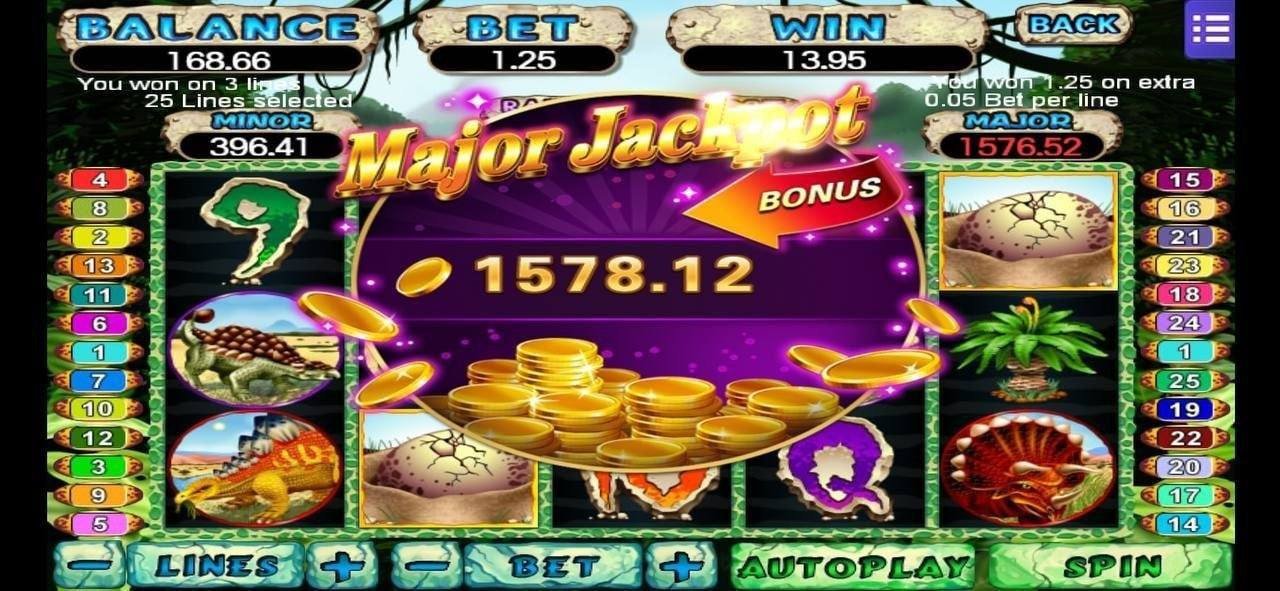
One of the most practical aspects of using 578ph for online gaming is that your entire account operates in Philippine Peso. From the moment you make a deposit to when you check your balance or place a bet, everything is denominated in PHP. This sounds simple, but it makes a real difference to the day-to-day experience of playing on the platform.
Many online gaming platforms that are not built specifically for the Philippine market operate in USD or other foreign currencies. When you deposit PHP into those platforms, your money gets converted at whatever exchange rate the platform applies — often with a margin built in that quietly reduces your actual balance. When you win and want to withdraw, the conversion happens again in reverse, with another potential margin applied. By the time money moves back into your GCash or bank account as PHP, a portion has been quietly absorbed in conversion fees.
578ph eliminates this entirely. You deposit in PHP, your balance is always shown in PHP, your bets are placed in PHP, and when you win, you receive PHP. The number you see in your account is the actual amount available to you — no mental arithmetic required, no exchange rate surprises at withdrawal time.
For Filipino players managing a gaming budget, this PHP-native environment is genuinely more practical. You can set a deposit limit in round peso amounts — ₱500, ₱1,000, ₱2,000 — and know exactly what that represents in terms of your available play balance without having to think in USD equivalents.
GCash is the most widely used e-wallet in the Philippines, and it is fully supported as a deposit method on 578ph. If you have a registered GCash account linked to a verified Philippine mobile number, you can use it to fund your 578ph balance directly. The process is straightforward: select GCash in the deposit section of your 578ph account, enter your amount in PHP, follow the verification steps, and the funds are transferred from your GCash balance to your gaming account.
One reason GCash is so popular for online gaming deposits in the Philippines is the combination of speed and accessibility. GCash is available to anyone with a Philippine mobile number — you do not need a traditional bank account. For players across Metro Manila, Cebu, Davao, and provincial areas where conventional banking can be less accessible, GCash provides a genuinely inclusive way to participate in online gaming.
The GCash app also makes it easy to track your spending. Your GCash transaction history will show the deposit to 578ph clearly, which is useful if you are keeping an eye on your gaming budget. Being able to cross-reference your 578ph deposit history with your GCash transaction log gives you a straightforward way to stay on top of how much you are putting in over time.
Maya (formerly PayMaya) is the second major e-wallet option supported on 578ph for deposits. Maya operates similarly to GCash in that it allows you to hold a PHP balance on your phone and transfer it to other accounts quickly. If GCash is your primary e-wallet, Maya works in essentially the same way for 578ph deposits — select Maya in the deposit section, input your amount, authenticate through the Maya app, and your 578ph balance is updated.
One distinction worth noting is that Maya also operates as a full digital bank through Maya Bank, which means some users carry more significant balances on Maya than on GCash. For players who prefer to keep their gaming funds separate from their main spending, funding 578ph from a dedicated Maya account can be a useful approach to managing your gaming budget independently from your day-to-day finances.
From local payment methods to full PHP support, 578ph is built to make funding your account as friction-free as possible for Filipino players.
No currency conversion at any point. Your deposit, balance, bets, and withdrawals all operate in Philippine Peso from start to finish.
GCash and Maya deposits on 578ph typically credit quickly, so you are not waiting around before you can start playing. Bank transfers may take slightly longer depending on your bank.
All deposit transactions on 578ph are protected by SSL encryption. OTP verification adds a second layer so only you can authorise fund transfers into your account.
The full deposit process is mobile-optimised. Whether you use the 578ph app or your mobile browser, depositing from your Android or iOS device is smooth and straightforward.
The 578ph deposit system is available around the clock. You can top up your account at any time of day or night — whether you are in Manila, Cebu, Davao, or anywhere else in the Philippines.
If you ever run into an issue with a deposit — pending transactions, payment errors, or account queries — the 578ph support team is available 24/7 to help resolve it.
For players who prefer to manage their gaming funds through traditional Philippine banking rather than e-wallets, bank transfer is a fully supported deposit method on 578ph. Most major Philippine banks are supported, and the process works through your bank's online or mobile banking portal. You initiate a PHP transfer to the 578ph account details provided in the deposit section, and once the bank processes the transaction, your 578ph balance is updated accordingly.
Bank transfers tend to take a little longer to process than GCash or Maya, since the transaction passes through your bank's standard inter-bank clearing system. Processing times can range from near-instant on InstaPay-enabled transfers to a few hours on standard bank transfers depending on your bank and the time of day. If speed is a priority, GCash or Maya are generally faster options — but if you prefer the familiarity and the clear transaction record that comes with a traditional bank transfer, the 578ph deposit system accommodates that preference without any additional charges on the platform side.
A significant portion of 578ph players access their accounts from their smartphones, which is consistent with how Filipinos engage with the internet more broadly — mobile-first. The deposit process on 578ph is fully optimised for mobile. Whether you access 578ph through the dedicated app or through Chrome or Safari on your phone, the deposit flow is designed to work cleanly on a smaller screen without requiring you to pinch and zoom through awkward desktop-designed interfaces.
The 578ph mobile app, available for both Android and iOS, provides the most streamlined mobile deposit experience. Once you are logged into the app, navigating to the deposit section, selecting your payment method, and completing the transaction through your GCash or Maya app is a seamless handoff — the apps communicate cleanly and you are back in 578ph with your updated balance in short order.
If you prefer not to install an additional app, the 578ph mobile website works well on most modern smartphones. The responsive design adjusts the deposit interface to fit your screen, and the process is identical to the desktop version — just formatted for touch interaction. Visit the App page for details on downloading the 578ph mobile app for your device.
578ph provides tools to help you stay in control of how much you deposit over time. Setting a deposit limit through your account settings is a straightforward way to ensure your gaming spending stays within a budget you are comfortable with. You can set daily, weekly, or monthly deposit caps — once the limit is reached, no additional deposits can be made until the limit period resets or is adjusted.
These tools are especially useful for players who want to enjoy 578ph as a consistent leisure activity without the risk of spending more than intended in a single session. Setting a deposit limit before you start playing — rather than after a session where you have already spent more than planned — is one of the most practical responsible gaming habits you can develop.
Beyond deposit limits, 578ph also supports session time reminders and, if needed, self-exclusion. These tools are accessible from your account settings and are designed to support players who want to maintain healthy gaming habits. For more detail on all available responsible gaming features, visit the Responsible Gaming page.
A quick comparison of the payment options available on 578ph to help you choose the right method for your needs.
| Method | Typical Speed | PHP Native | Mobile Friendly | Best For |
|---|---|---|---|---|
| GCash | Fast | Yes | Yes | Quick top-ups, mobile players |
| Maya | Fast | Yes | Yes | Digital banking users |
| Bank Transfer | Moderate | Yes | Yes | Traditional banking preference |
| Online / Mobile Banking | Fast–Moderate | Yes | Yes | Players with bank apps |

Once your deposit is confirmed and your PHP balance is updated, the full 578ph game library becomes available to you. The platform covers a wide range of gaming options — casino slots, live casino table games with real dealers, eBingo rooms, and more. All bets and transactions within the platform use your PHP balance, keeping everything consistent and easy to track.
Before you start playing, it is worth checking the Promotions section to see if any active offers apply to your deposit. Deposit bonuses, free spins on featured slots, and cashback offers occasionally run on 578ph and can extend your playing time beyond your initial deposit amount. Offer availability and terms vary, so check your account for what is currently active rather than assuming a specific promotion is running.
If your KYC verification is not yet complete, doing this early makes the withdrawal process smoother later. 578ph requires identity verification before processing withdrawals, and having your KYC sorted from the start means there are no delays when you decide to cash out your winnings. The verification process is handled within your account settings and typically requires submitting a valid Philippine ID.
Below are answers to the most common questions Filipino players have about depositing on 578ph. For anything not covered here, the 578ph support team is available 24/7 through the platform.
Everything you need to know about funding your 578ph account in Philippine Peso.
Register your free 578ph account, deposit in Philippine Peso via GCash, Maya, or bank transfer, and start playing casino games, eBingo, and live casino — all on desktop or mobile.
21+Online gaming involves financial risk. Please deposit and play responsibly.